3 min read

After the Storm: A Quick Walk-Through for Fuel Sites

After the Storm: A Quick Walk-Through for Fuel Sites

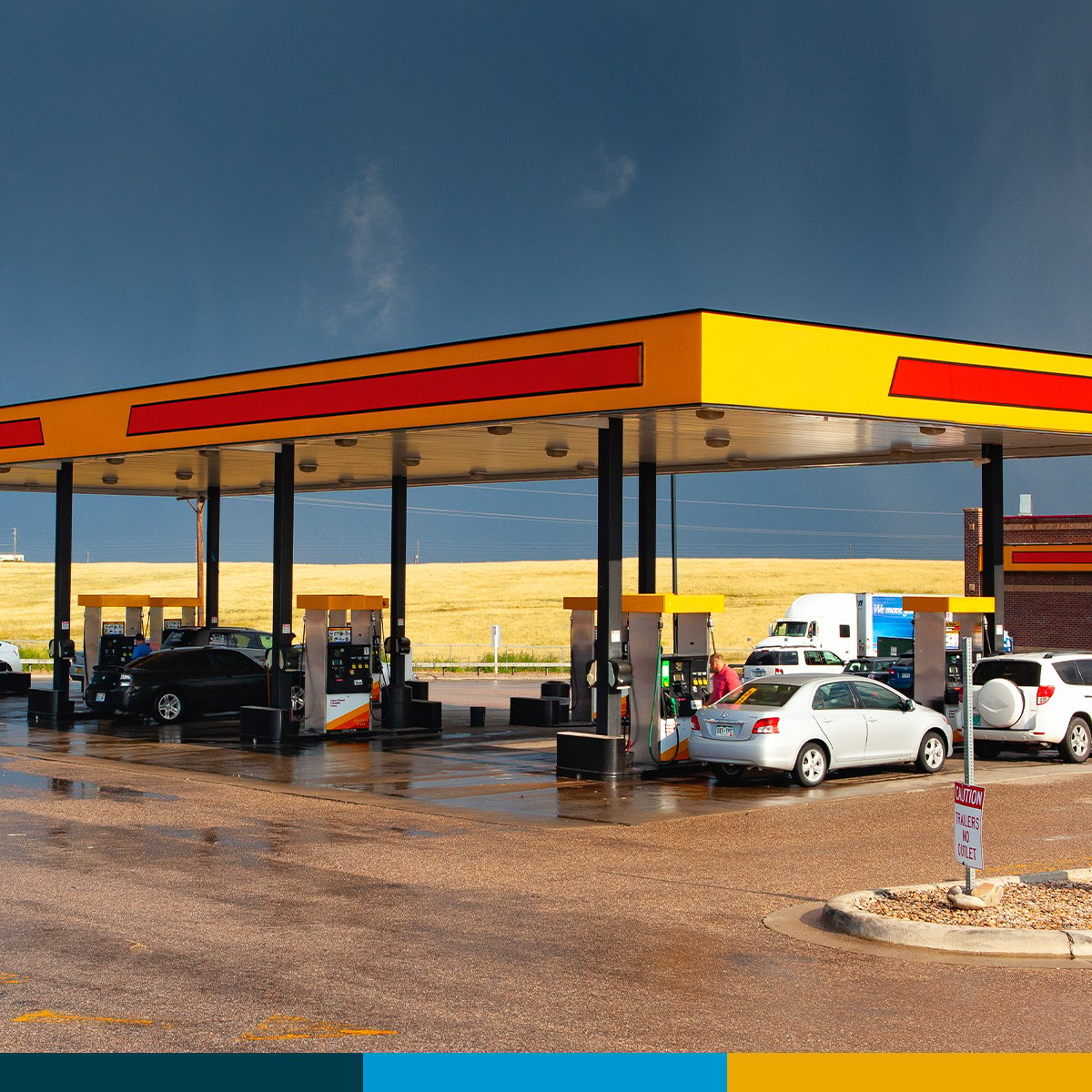
The storm passes. The lights come back on. Customers start pulling in. And somewhere on your forecourt, a small thing is starting that will turn into a service call next week if no one walks the site this morning.

Severe weather is the kind of event that does not always announce itself in obvious ways. A few minutes of careful walk-around right after a storm is one of the highest-leverage habits a site operator can build. This is a plain-language checklist for that walk.

1. Why You Want to Walk the Site Before You Open

Storm damage at a fuel site is rarely a single dramatic problem. It is more often a handful of small problems that compound: a sensor that thinks there is a leak because there is water sitting where there should not be water, a dispenser that came back online with a partial fault, a fill cap that came loose under wind.

If you find these in the first hour, you handle them in the order that makes sense. If you find them at noon, you handle them with a line of customers waiting.

2. Start with Containment Sumps and Spill Buckets

Heavy rain plus high water tables plus pressure changes equal water finding its way into containment sumps and spill buckets. This is one of the most common post-storm findings.

What to look at:

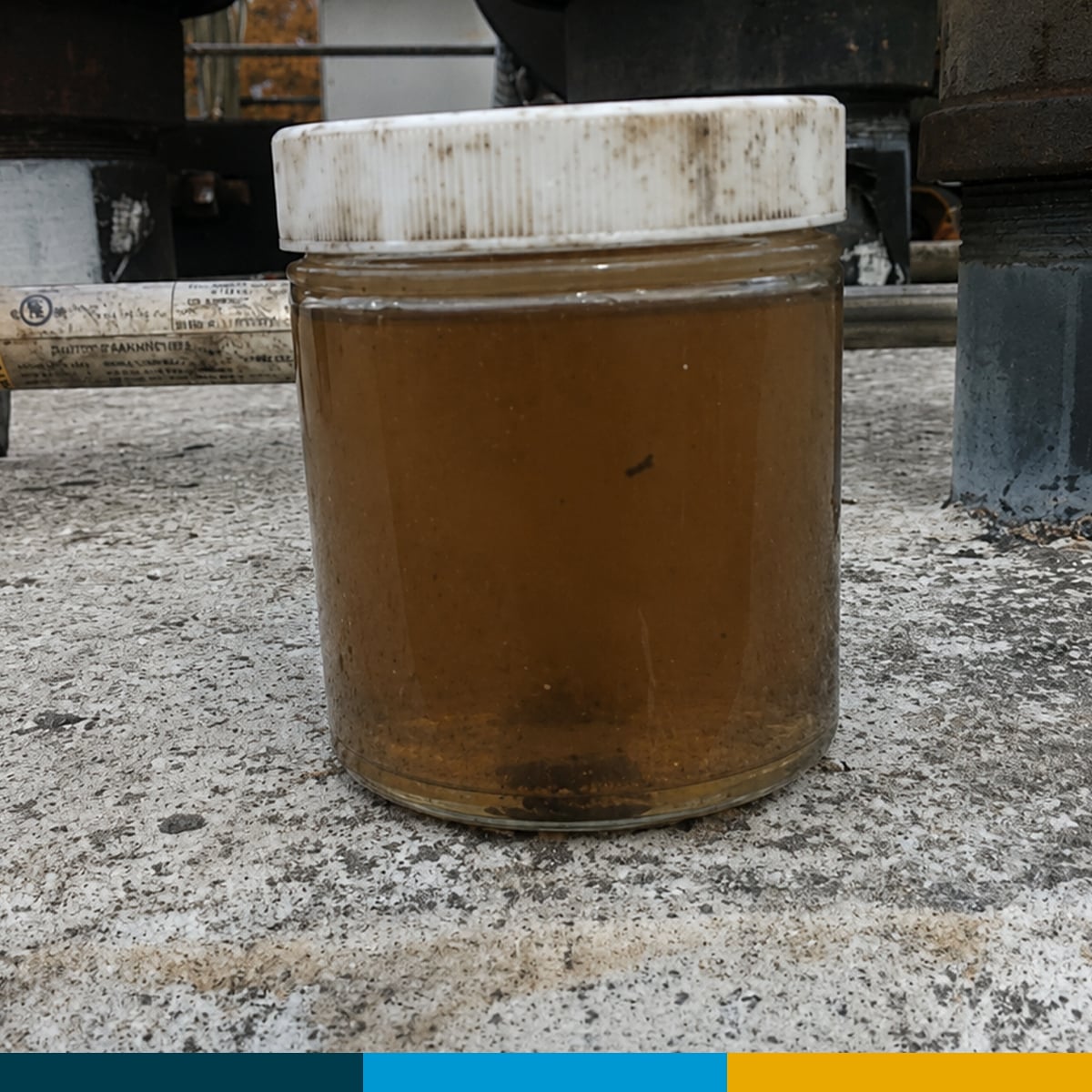
  • Open spill buckets at every fill point. If liquid is present, note color, smell, and approximate amount before doing anything
  • Inspect dispenser sumps for standing liquid
  • Inspect submersible turbine pump sumps where accessible
  • Check that sensors are still seated at the lowest point of each sump

If you find liquid, do not assume it is rainwater. Note what is there, then bring in a service partner to identify and document before disposal.

WHAT TO DO THIS WEEK:

Take a photo of every sump and spill bucket as you walk through them. Even if everything looks fine, the photo is documentation. If something is found later, you have a baseline that says it was clear today.

3. Look at Your Tank Gauge

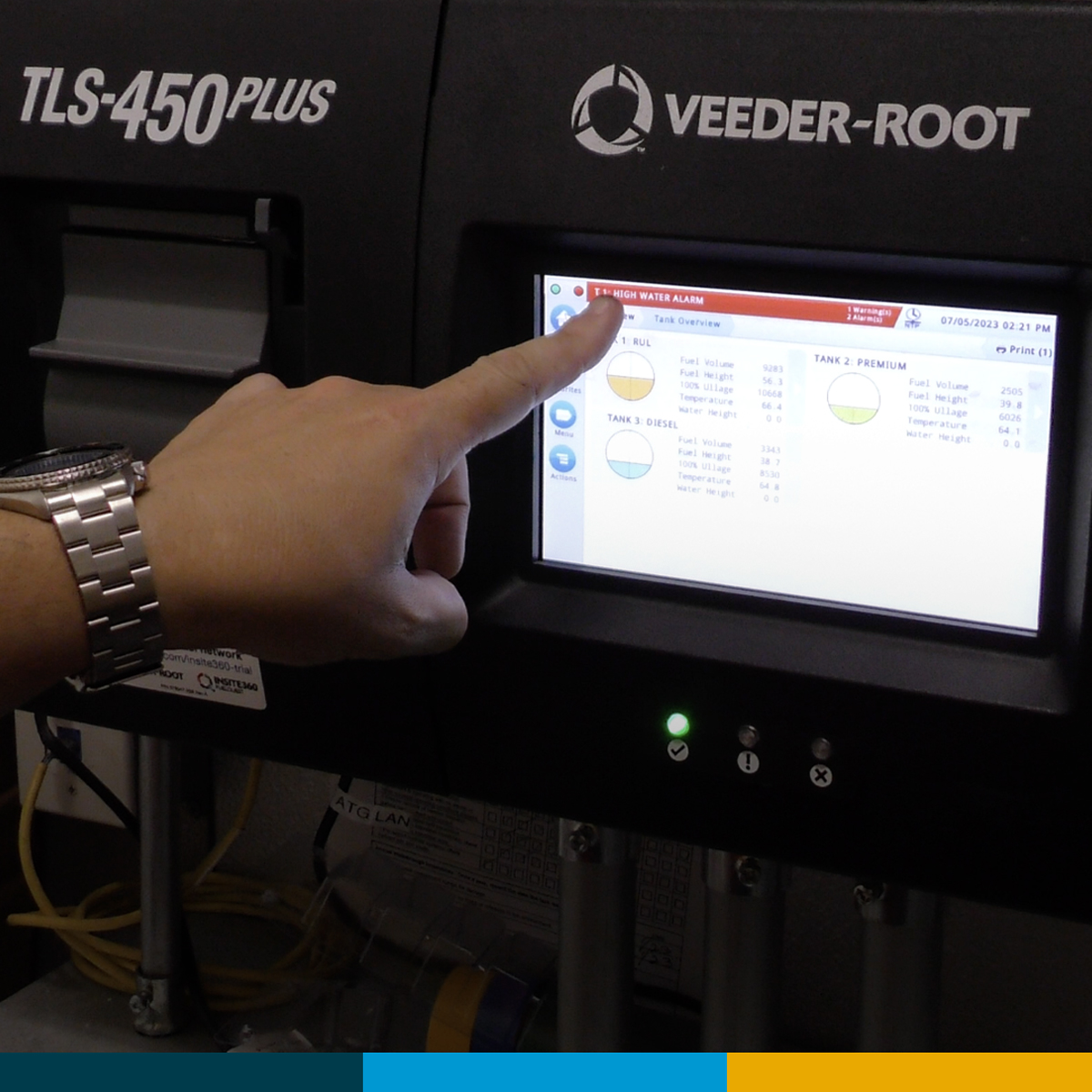
Walk over to your tank gauge and look at the screen. After a storm, this is where the first signal often shows up.

Things to check:

  • Active alarms, including high water, sensor alarms, sudden loss, or communication errors
  • Battery backup status if your site has one
  • Date and time. If the controller lost power and reset, your records may have gaps

If alarms appear that were not there before the storm, document them as found. Silencing an alarm without understanding it is how small problems become inspection problems. We covered this in Is Your ATG Talking to You?

4. Power-Cycle Test Each Dispenser

Walk to each dispenser and look at it like you are seeing it for the first time. Then run a basic test:

  • Does the screen come up clean, or does it show an error or splash screen that will not go away?
  • Does the payment terminal accept a card?
  • Does each grade authorize and dispense?
  • Are the hoses, nozzles, breakaways, and swivels free of new damage?
  • Are the dispenser doors closed and intact?

Dispenser electronics can take a hit during storm-related power events. Some come back fine. Some come back partial. The five-minute walk catches the ones that come back partial.

5. Check the Things Customers See First

Customer-visible damage drives complaints, but it also drives inspection findings. Walk the lot and look at:

  • Price signs and ID signs
  • Canopy lights
  • Curbs, bollards, and trash cans
  • Pavement, drainage, and any standing water that needs to be cleared

If a sign is loose, off, or hanging, secure or remove it before you open. Lights and signs that are damaged but still on can be safety issues, not just appearance issues.

6. Write It Down While It Is Fresh

The walk you just did is worth almost nothing if the only record is in your head. Take ten minutes and document the walk:

  • Date and time of the inspection
  • What you checked
  • What looked fine
  • What did not look fine, with photos
  • What action was taken or scheduled

If a service partner is coming out, send them this record before they arrive. Your walk-through inspection notes give the technician a head start, which means the visit goes faster and you spend less time explaining.

WHAT TO DO THIS WEEK:

Build a one-page post-storm checklist for your site. Print it. Put it where the morning manager will find it. The first time it pays for itself, you will know.

The Bigger Picture

Severe weather is going to happen. The sites that come through it cleanly are the sites that have a routine. The sites that come through it badly are the sites that opened, served customers for a few hours, and then noticed.

If you would like help building or running a post-storm walk for your sites, our team can work through it with you. Reach our team at our contact page.

Check local and state requirements for any reporting or documentation rules that apply to your area.

Going Above B10: What to Check Before Increasing Your Biodiesel Blend

5 min read

Going Above B10: What to Check Before Increasing Your Biodiesel Blend

If you operate a high-flow truck diesel site, the math on raising your biodiesel blend usually starts with the price spread. When biodiesel and...

Read the Full Article
Is Your ATG Talking to You?

3 min read

Is Your ATG Talking to You?

Three Things to Check Before a Small Alarm Becomes a Big Problem. It happens at every fuel site eventually. The ATG starts throwing alarms. Maybe...

Read the Full Article
Your Line Leak Detector Might Not Be Doing Its Job

5 min read

Your Line Leak Detector Might Not Be Doing Its Job

Your ATG runs a line leak test every time the pumps shut off. But when was the last time anyone confirmed the results were accurate, or even reviewed...

Read the Full Article